Job application tracker
Every application you're chasing, in one list
Longlist tracks each role from the first time you see it through to the final answer. See where everything stands at a glance, instead of piecing it together from your inbox.
Sign in with GitHub, or an email and password.
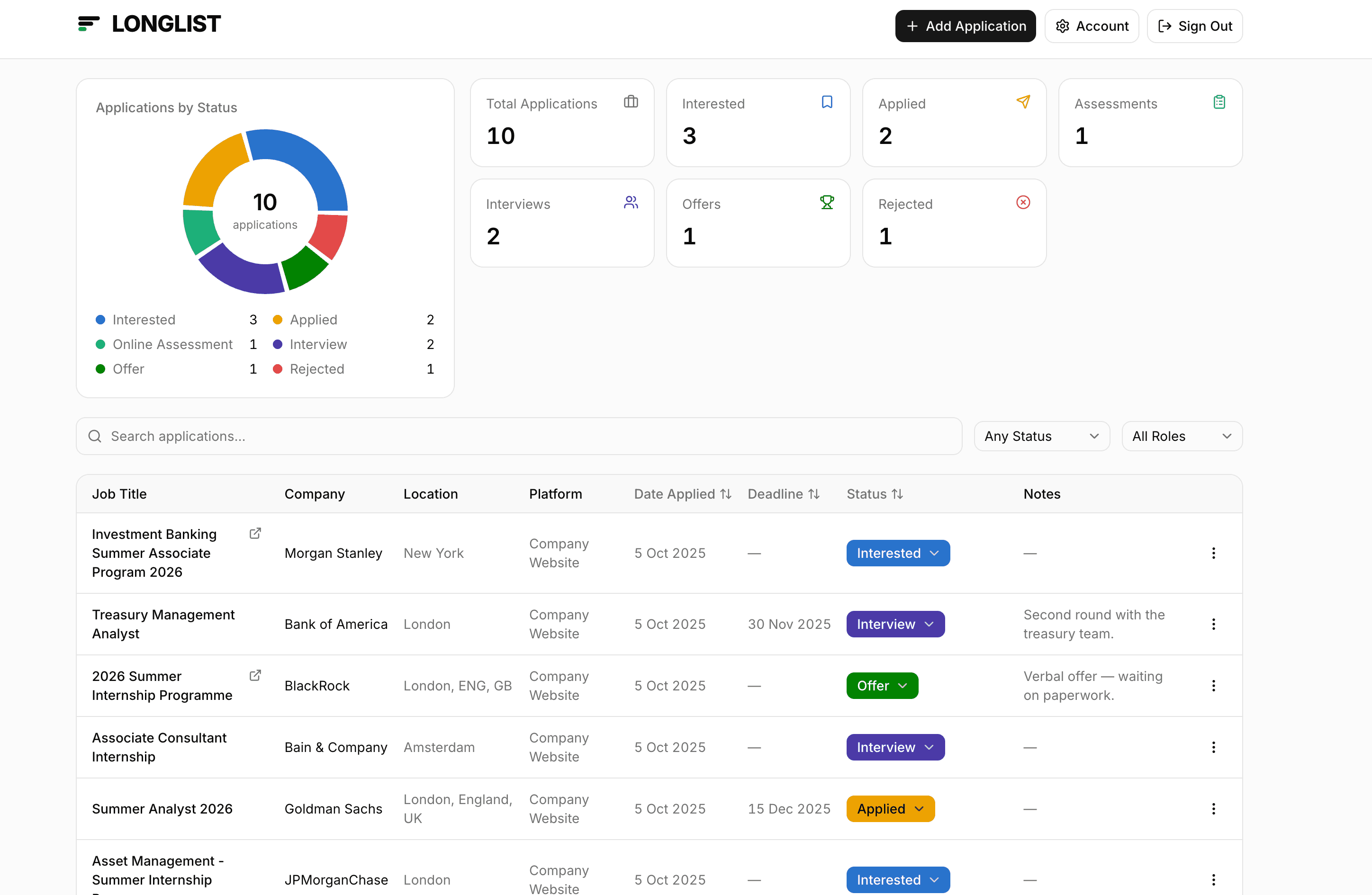
Six stages, start to finish
- Interested
- Applied
- Online Assessment
- Interview
- Offer
- Rejected
Change a status straight from the table. The chart and the counters update with it.
Built for the messy middle of a job search
The part where you've applied to thirty things, three have come back, and you can't remember which.
The whole search at a glance
A donut chart splits your applications by status, with counters for every stage beside it. You can see the shape of your search without reading a single row.
Find anything fast
Search by job title or company, filter by status or role, and sort by date applied, deadline or stage. It all happens instantly, with no page reloads.
Catches your duplicates
Apply to the same role twice through different job boards and Longlist spots it, matching on the company and the job title rather than an exact string.
Dates that matter
Record when you applied and when the posting closes, then sort by deadline to see what needs doing next.
Keep the context
Save a link back to the original posting, plus free-text notes: the recruiter's name, how the phone screen went, what to prepare next.
Yours alone
Every row is tied to your account and enforced in the database itself, not just in the app. Nobody else can read your list.
Stop keeping it in your head
Add the first role you're interested in and build from there. No setup, no import, no credit card.
Create your account